Michigan DNR eLicense Account Setup
Setting up a Michigan DNR eLicense account can feel like a small hurdle when all you want is an ORV license or a replacement. The process starts from the purchase-or-reprint option, then lets you create a username and password. Here’s how to get started, what to check before buying, and what to do if the account or permit options aren’t clear.
What a Michigan DNR eLicense account is for
The Michigan DNR eLicense account is the online starting point for purchasing or reprinting a license. Creating an account gives you access to the system’s next steps; it does not, by itself, mean you have purchased an ORV license or trail permit. Follow the prompts after signing in and check the purchase details before completing a transaction.
It helps to know what you need before you begin. Michigan has a base ORV license and, for state-designated ORV trails, an additional trail permit. They are related but not interchangeable. If you plan to ride only on a route where a trail permit is not required, your needs may differ from those of someone riding designated trails. For a fuller explanation of the distinction, see Michigan ORV License and Trail Permit Explained.
An account is also different from your machine’s title or registration paperwork. The eLicense process concerns the recreational license and permit; it does not replace ownership documents. If you are sorting out ownership paperwork at the same time, How to Title an ATV in Michigan explains that separate process.
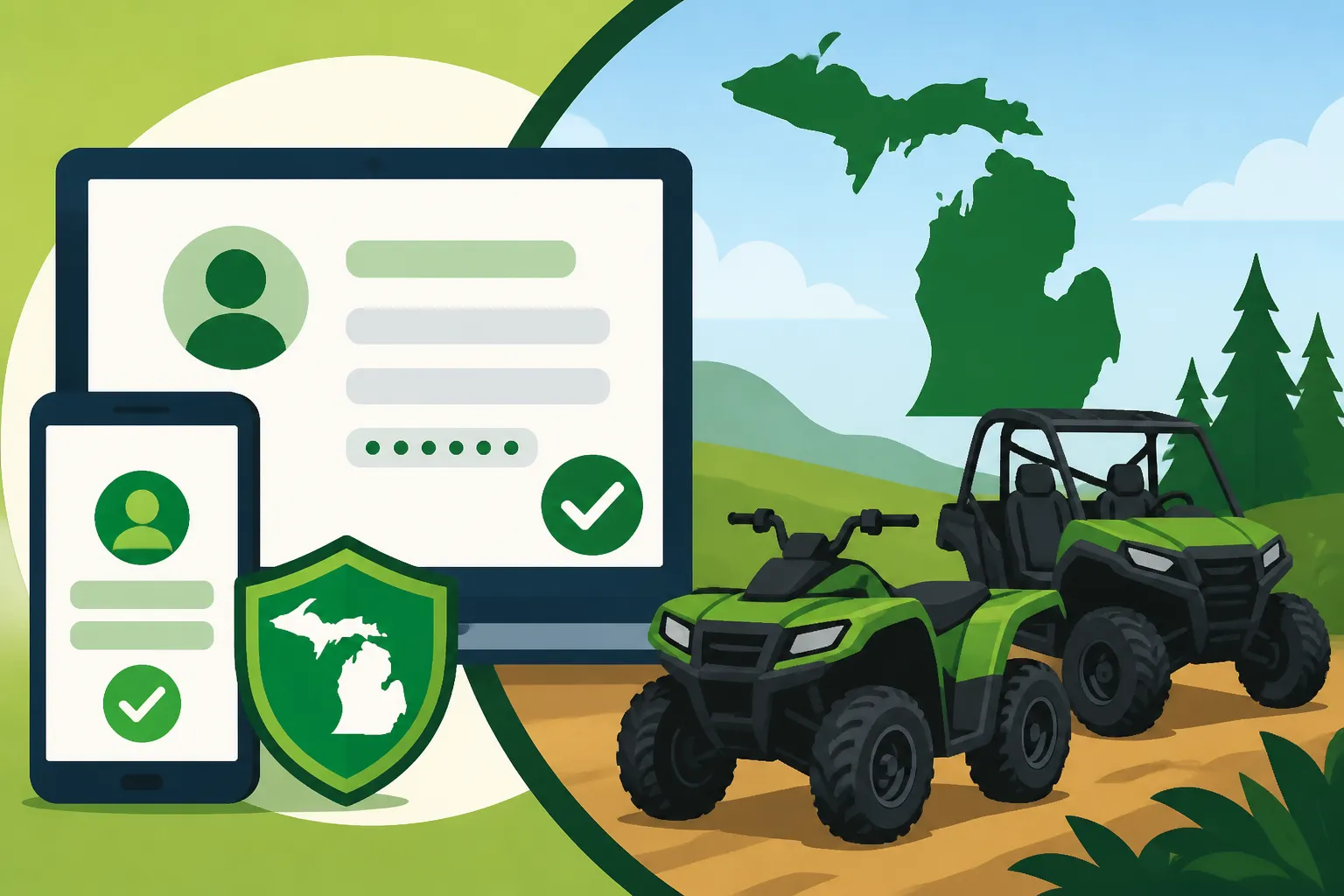
The account setup instructions are straightforward: go to the Michigan DNR eLicense site, choose the button to purchase or reprint a license, and select “Sign up today” to create a username and password. The domain for the eLicense site is mdnr-elicense.com. Because the page layout may change, use the current labels shown on the official site rather than relying on an old screenshot or third-party walkthrough.
Before you start, decide whether you are creating an account to purchase a license, reprint one, or simply get access ready for later. If you are buying for more than one machine or rider, pause to confirm which item the system is asking you to select. Do not assume one account means one permit covers every machine; check the official DNR instructions for the specific permit and machine involved.
A few distinctions are useful:
| Item | What it does | What to check |
|---|---|---|
| eLicense account | Provides access to the purchase-or-reprint process | Use the official DNR eLicense page and create a username and password |
| ORV license | The base license for ORV operation where required | Confirm the correct license option for your intended use |
| ORV trail permit | An additional permit for use of state-designated ORV trails | Check whether your planned routes require it |
| Safety certificate | Documents required ORV safety training for certain young riders | Confirm the rider’s age and applicable rules |
| Title or proof of ownership | Relates to ownership of the machine | Handle separately from the eLicense account |
The difference between a license and a trail permit matters most when selecting what to buy. The Michigan DNR says an annual ORV license costs $26.25, and riding on state-designated ORV trails requires an additional $10.00 trail permit, for a combined total of $36.25 as of October 2026. Check the current amount and item selection on the official system before you pay.
Set up the account step by step
Use the DNR eLicense page directly rather than a search result or an unofficial seller. This reduces the chance of landing on a page that only looks like the official purchasing system.
- Open the Michigan DNR eLicense site.
- Select the button for purchasing or reprinting a license.
- Find and select “Sign up today.”
- Create a username and password using the prompts on the official page.
- Complete any additional instructions the system presents.
- Once you have access, review the available purchase or reprint choices and select the one that matches your need.
The DNR-provided setup steps specify the purchase-or-reprint button, the “Sign up today” option, and creation of a username and password. If the screen asks for other information, enter it only on the official system and follow the on-screen instructions. Do not rely on assumptions about what information is required, because those details can vary with the current interface.
Choose a username and password you can retrieve later. If you use a password manager, save the credentials there rather than relying on a note that could be misplaced. If you do not use one, keep the information somewhere private and secure. Avoid sharing account credentials with other riders; each person should follow the system’s instructions for their own account needs.
Before submitting any purchase, take a moment to confirm what the checkout screen identifies. Check that you have selected the intended ORV license and, if you will ride state-designated trails, the additional trail permit. If you are not sure which areas you will use, check the permit rules for the destination before buying. Do You Need Both a License and a Trail Permit in Michigan? gives more detail on when the two items apply.
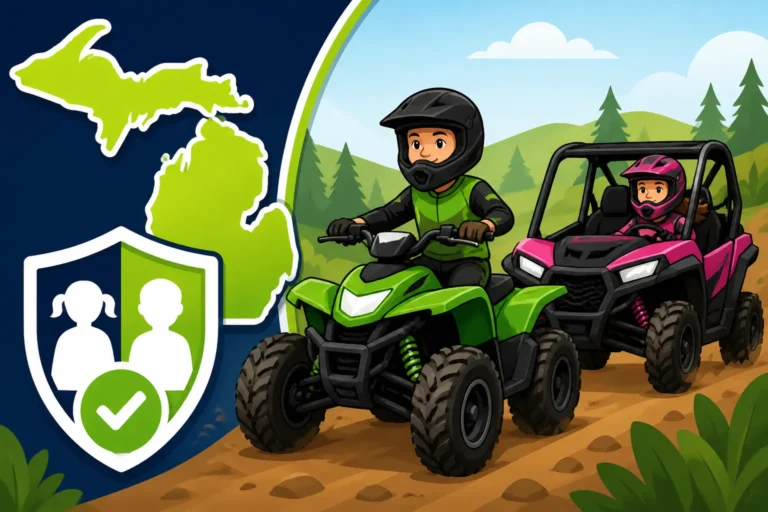
If you are setting up an account for another rider, do not assume that the purchaser and operator are treated identically for every requirement. The rider’s age, safety certificate status, and intended riding location can affect what rules apply. For example, according to the Department of Natural Resources, anyone under 16 must have a valid ORV safety certificate and be under direct visual supervision of an adult to operate an ATV unsupervised on public lands; children under 10 are prohibited from operating four-wheel ATVs on public lands. Confirm the requirements for the specific rider before planning a trip.
If you reach a screen that does not match these instructions, stop before entering payment details. Check that you are still on the official DNR eLicense site and read the current page carefully. The account setup path begins with the purchase-or-reprint button and then “Sign up today”; a different-looking third-party page is not a substitute.
Choose the right license and permit
An account does not decide where you can ride. Your location and planned use do. Before making a purchase, identify whether you plan to use state-designated ORV trails, other public routes, state forest roads, frozen public waters, private land, or a combination. Different places can have different permit requirements, so read the rules for your intended riding area.
The Michigan DNR says the ORV trail permit is an additional $10.00 and must be purchased along with the base $26.25 ORV license when riding designated state ORV trails. The combined cost is $36.25 as of October 2026. These figures are useful for understanding how the two items fit together, but the official system is the place to verify current purchase options and amounts.
The annual ORV license and trail permit expire on March 31 of the following year, regardless of when they were bought, according to the Michigan Department of Natural Resources. That means buying later in the season does not shift the expiration date to a full year after purchase. If you are purchasing near the end of the permit year, check the expiration information shown by the DNR before deciding when to buy. Michigan’s April 1 ORV Permit Year explains the annual permit cycle.
The trail permit requirement is not universal for every kind of use. For example, according to the Department of Natural Resources, ORVs may be operated on the frozen surface of public waters with an ORV license, but a trail permit is not required for that specific use. Do not extend that exception to other riding locations. Check the rule for each place you intend to ride, and look for closures or posted restrictions before setting out.
State forest roads are generally open year-round to ORVs unless they are posted otherwise or seasonally closed, according to the Michigan Department of Natural Resources. “Generally open” does not mean every road is open or that a trail permit is unnecessary everywhere. Confirm both access and permit requirements for the exact route. The separate article Michigan ORV Permit for State Forest Roads Only can help you think through that use case.
If you are buying a permit for a young rider, account setup is only one part of preparation. According to the Department of Natural Resources, anyone under 16 must complete an approved ORV safety course and carry the safety certificate when operating an ORV on public lands. The same agency says a rider under 16 must have a valid safety certificate and be under direct visual adult supervision; children under 10 cannot operate four-wheel ATVs on public lands. Check that the rider meets the applicable requirements before treating a completed online purchase as permission to ride.
Out-of-state visitors should check reciprocity separately. A permit or safety certificate from another jurisdiction does not automatically answer every Michigan requirement. According to the Michigan Legislature, non-resident operators aged 12 to 15 must present a safety certificate issued under Michigan part 811 or a comparable certificate authorized by another state or a province of Canada. For state permits, see Non-Resident ORV Permits in Michigan and Michigan ORV Reciprocity With Neighboring States.
Reprints, renewals, and common account problems
The eLicense page offers a purchase-or-reprint path, so it is worth keeping your account access recoverable. If you already have a license and need another copy, start from the same official purchase-or-reprint option and follow the current instructions. Do not create multiple accounts immediately if you cannot sign in; first check the username or password you saved and use any account-recovery option presented by the official site.
If you cannot find “Sign up today,” check that you selected the purchase-or-reprint button first. The DNR’s stated setup sequence places account creation after that selection. If the page has been updated and its wording differs, follow the current official prompts rather than searching for a copied set of instructions elsewhere.
If the site does not accept a username or password, slow down and check for typing errors, extra spaces, or an incorrect saved entry. Use the site’s recovery instructions if available. Do not send credentials or payment information in response to an unsolicited message claiming to help with your account. When in doubt, return to the official DNR eLicense page by entering its domain yourself.
If you can sign in but cannot tell which option to choose, do not guess. Read the item description and compare it with your planned use. For designated state ORV trails, the Michigan DNR describes the trail permit as an addition to the base ORV license. If you need only a reprint, make sure you have entered the reprint path rather than starting an unnecessary purchase.
If the amount shown does not match what you expected, verify that you are viewing the correct license and permit combination and check the current official amount. The DNR amounts in the facts above are stated as of October 2026; the system may show a different current figure later. A second permit or a different item may be involved, so review the selection rather than assuming the account is charging incorrectly.
If you are unable to complete the process, keep a note of the page or step where it stopped and consult the contact or help options displayed by the official DNR system. Do not post passwords, account details, or payment information in a public forum. An online discussion may offer general advice, but only the official system can resolve account access or confirm the status of a purchase.
A reprint is also different from carrying proof while riding. The account may help you retrieve or reprint a license, but it does not establish that a permit is valid for every location. Keep whatever proof the DNR requires accessible, and check the rules for your machine and destination. Michigan ORV License on Your Phone and Printing a Replacement ORV License cover practical ways to manage proof of purchase.
For paper records, consider storing a printed copy in a dry, protected place rather than leaving it loose in a glove box or cargo area. A waterproof document sleeve, including one available through Amazon, may help keep paper from getting wet; it does not replace the original license or any requirement to carry it. Keep account passwords separate from documents carried on the machine.
Before riding after you buy
Completing an account setup and purchase is only the administrative step. Check that the machine, rider, and route meet the rules before you ride. An ORV license does not override requirements for supervision, safety equipment, road access, or local closures.
For young riders, use the current rules as a checklist. According to the Department of Natural Resources, riders under 16 need an approved ORV safety course and must carry the certificate to operate on public lands. The agency also requires a valid certificate and direct visual adult supervision for a rider under 16, while children under 10 may not operate four-wheel ATVs on public lands. If the machine will be used on a public road designated for ORV use, separate conditions apply: according to the Michigan Legislature, an adult does not need a driver’s license to operate an ATV on such a road, but a person under 18 must have a valid driver’s license or be under a parent or guardian’s direct supervision while holding an ORV safety certificate.
Confirm that the machine fits the type of route you plan to use. The Michigan Department of Natural Resources designates three ORV trail types by width: motorcycle-only trails maintained at a 24-inch width, trails maintained at a 50-inch width, and ORV routes maintained at a minimum 72-inch width. These definitions help explain why a trail that suits one machine may not suit another. Check the actual route designation and width restrictions before leaving.
Review equipment requirements as well. According to the Michigan Legislature, all ORV operators and passengers generally must wear a DOT-approved crash helmet and protective eyewear, subject to exceptions under specified conditions. One exception can apply to a UTV with an approved roof and properly fastened safety belts. The Department of Natural Resources also says seat belts are mandatory for UTV occupants who want to ride without a helmet under that exception, and certain state-managed areas, including the Silver Lake ORV Area, require a seat belt for each occupant regardless. Confirm the rules for your exact vehicle and location.
Other machine requirements can affect whether the vehicle is ready for public-land use. The Michigan Legislature requires ATVs operated on public lands to have a United States Forest Service-approved spark arrester and a muffler in good working order and constant operation. Headlights and taillights must be lighted when an ORV is operated from a half-hour after sunset to a half-hour before sunrise, according to the Michigan Legislature. Check that safety and equipment items work before riding rather than assuming a permit purchase covers them.
Finally, check for closures immediately before a ride. The Michigan Department of Natural Resources may close state trails and facilities because of weather or wet conditions. A route that appears open on an older map may be temporarily unavailable. Review current notices and posted signs, and have an alternate plan if conditions change.
The online account is useful because it gives you a path to purchase or reprint a license. Its main job is administrative. Taking a moment to verify the permit combination, expiration, rider requirements, vehicle restrictions, and route status makes the account more useful—and reduces the chance that a successful purchase is mistaken for permission to ride everywhere.
Frequently Asked Questions
Do I need an account just to look up ORV rules?
The account setup steps are for purchasing or reprinting a license. You can review DNR rules and riding-area requirements separately before deciding what to purchase.
Does creating an account automatically buy an ORV license?
No. Creating a username and password sets up account access. Review the purchase prompts and confirm the selected license or permit before completing any transaction.
Does one ORV license include the trail permit?
Not when riding state-designated ORV trails. The Michigan DNR says the trail permit is an additional purchase with the base ORV license for that use.
When does a Michigan ORV license expire?
According to the Michigan Department of Natural Resources, annual ORV licenses and trail permits expire on March 31 of the following year, regardless of the purchase date.
What should I do if I cannot access my account?
Return to the official DNR eLicense page, check your saved username and password, and follow any account-recovery instructions shown there. Do not share your credentials with an unofficial helper.
Sources
- Michigan Department of Natural Resources — ORV FAQs – State of Michigan (checked October 28, 2026)
- Michigan Department of Natural Resources — Purchase permit, learn requirements – State of Michigan (checked October 28, 2026)
- Michigan Legislature — MCL – Section 324.81131 (checked October 28, 2026)
Disclaimer
This article is for general informational purposes only and does not constitute professional advice. Laws, prices and regulations vary by location and change over time. Consult a qualified professional for guidance on your specific situation.