Michigan ORV License on Your Phone
Buying a Michigan ORV license on your phone is convenient, but it does not mean your phone becomes the license sticker. The purchase can be digital; the required display is physical. Here’s what happens after you buy, what to do while the sticker is on its way, and how to avoid confusing an online receipt with permission to ride.
Can you display a Michigan ORV license on your phone?
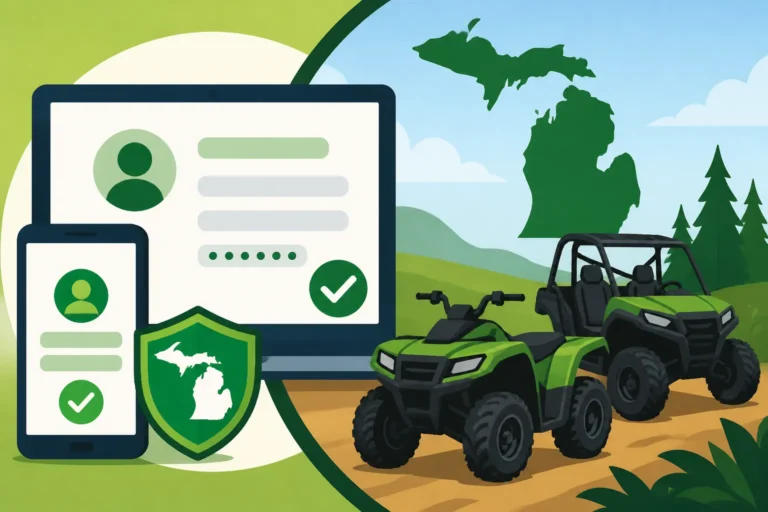
No. The Michigan Department of Natural Resources says that although you can purchase an ORV license online or through its mobile app, the physical sticker will be mailed to you and must be displayed on your vehicle. A purchase confirmation, receipt, screenshot, or digital account view does not replace that sticker.
That distinction is easy to miss because the transaction starts on a phone. You choose and pay for the license digitally, but the required license display is still a physical item attached to the machine. Your phone is a way to buy the license, not a substitute for displaying it.
| What you have | What it does | Does it replace the physical sticker? |
|---|---|---|
| Online or mobile-app purchase | Lets you complete the purchase digitally | No |
| Digital receipt or confirmation | Records or confirms the transaction | No |
| Physical ORV license sticker | Provides the required vehicle display | Yes, this is the required display |
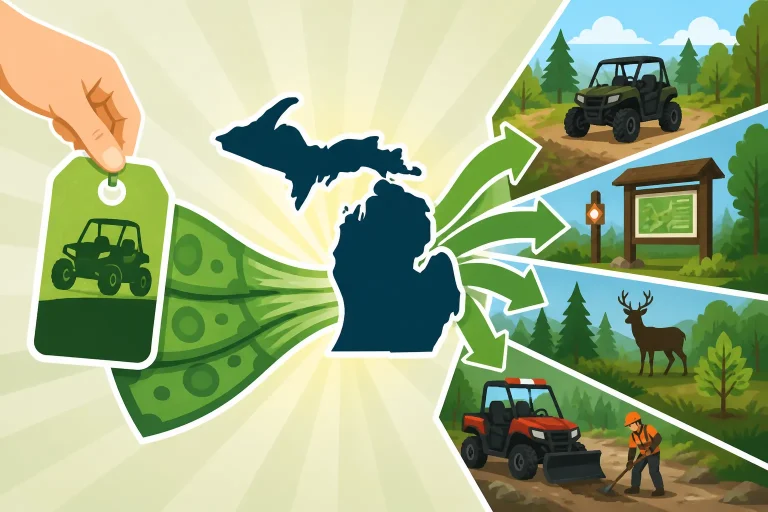
The purchase method also does not change which permits you need. According to the Michigan Department of Natural Resources, the annual ORV license costs $26.25, and operating on state-designated ORV trails requires an additional $10.00 trail permit, for a combined total of $36.25. Those amounts are as of October 2026; check the department for current figures before purchasing.
The base license and the trail permit serve different purposes. The trail permit is an added requirement for riding state-designated ORV trails, not a replacement for the base license. For a closer explanation of how the two work together, see Michigan ORV License and Trail Permit Explained. If you’re planning to ride somewhere other than a designated trail, check the rules for that location rather than assuming the phone purchase includes every permission you might need.
You can buy through a mobile device and still need to plan for the sticker to arrive. Don’t treat a transaction confirmation as proof that the vehicle has the required display. If you are unsure whether you may operate before the sticker arrives, contact the Michigan Department of Natural Resources for guidance instead of relying on a receipt or screenshot.
Buying by phone and preparing for the sticker
An online or app purchase can make the buying step easier, especially if you’re arranging permits before a ride. But the practical sequence has two parts: completing the purchase and making sure the physical sticker is received and displayed. Keep those separate in your planning.
If you want to purchase online, Buying a Michigan ORV License Online covers that route. Before you start, identify the machine you’re licensing and the places you expect to ride. The key question is whether your intended riding includes state-designated ORV trails, which require the added trail permit according to the Michigan Department of Natural Resources. Do not assume that choosing a license digitally automatically answers every location-specific permit question.
After buying, keep the confirmation somewhere you can retrieve it. An email or saved receipt can help you find your transaction details if you need to check what you purchased or contact the department. It is useful paperwork, but it is not the vehicle display required by the Michigan Department of Natural Resources. Saving a copy to your phone is sensible recordkeeping; presenting it as a substitute sticker is not.
When the sticker arrives, follow the official display instructions for your vehicle. Placement guidance can differ depending on the machine, so avoid choosing a spot just because it is easy to reach or photograph. The articles Where the Michigan ORV Sticker Goes on Your Machine, Michigan ORV Sticker Placement on an ATV, and Michigan ORV Sticker Placement on a Side-by-Side can help you find the relevant placement information for your machine.
Before you head out, check that the sticker is actually on the vehicle and can be seen in its required location. A sticker left at home, tucked into a storage compartment, or kept with your phone papers is not displayed on the machine. If you use more than one ORV, confirm the requirements for each vehicle rather than assuming a single sticker covers the group.
For convenience, you might keep the purchase record on your phone and the physical sticker on the vehicle. A protective phone pouch can help keep a device usable in dusty or wet riding conditions; if you’re shopping for one, Amazon is one place people may compare options. That accessory is for protecting the phone, not for changing the license-display requirement.
What to check before riding
The physical sticker is only one part of being ready to ride. Check which permits apply to the route or area, confirm that your machine and operator meet the rules, and make sure you are not relying on a digital receipt to answer a question it does not resolve.
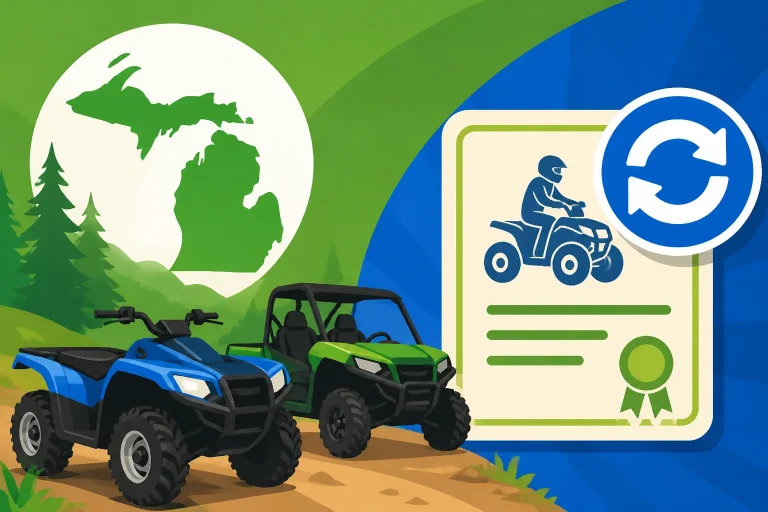
The Michigan Department of Natural Resources says annual ORV licenses and trail permits expire on March 31 of the following year, regardless of when they were purchased. Buying late in the season does not shift the expiration date. For timing details, see When Michigan ORV Permits Expire Each Year. If you buy close to the expiration date, check the department’s current purchase information so you understand what period the license covers.
A trail permit requirement is not the same as a rule for every kind of riding. According to the Department of Natural Resources, an ORV license is required to operate on the frozen surface of public waters, but a trail permit is not required for that specific use. That is a particular exception, not a reason to assume a trail permit is unnecessary on designated trails. Confirm the rules for your intended riding area before setting out.
State forest roads also have their own access conditions. The Michigan Department of Natural Resources says state forest roads are generally open year-round to ORV use unless otherwise posted or seasonally closed. A closure or posted restriction can change where you may ride, so check current conditions rather than treating a purchase confirmation as permission to use every road or route.
Age and training rules are separate from the sticker question. According to the Department of Natural Resources, operators must be at least 16 years old to operate an ATV unsupervised on public lands. Anyone under 16 must have a valid ORV safety certificate and be under the direct visual supervision of an adult, and children under 10 are prohibited from operating four-wheel ATVs on public lands. The Department of Natural Resources also says youth under 16 must complete an approved ORV safety course and carry the safety certificate while operating an ORV on public lands.
Those requirements do not change based on whether the license was bought in person, online, or through an app. A digital receipt cannot stand in for a safety certificate, and a physical sticker does not waive age, supervision, or training rules. If you are preparing for a young rider, review Michigan ORV Safety Certificate for Riders Under 16 and Michigan ORV Age Rules at 10, 12 and 16 before riding.
Use the same care with route conditions and equipment. The Michigan Department of Natural Resources has authority to close state trails and facilities because of weather-related events and wet conditions. A valid license does not guarantee that a route or facility is open on the day you arrive. Check for closures and follow posted notices.
If your sticker is missing, damaged, or never arrives, do not assume that the digital purchase record solves the display issue. Keep your purchase information and contact the Michigan Department of Natural Resources to ask what to do. For a lost sticker, see Replacing a Lost ORV License Sticker. For general questions about checks, Michigan ORV Permit Checks by Conservation Officers may also help you understand why it is important to keep the machine’s required display in order.
A simple pre-ride check can prevent avoidable confusion:
- Confirm that you purchased the base ORV license and, if you plan to use state-designated ORV trails, the required trail permit.
- Check that the physical sticker arrived and is displayed on the correct vehicle.
- Keep your purchase record accessible, but do not present it as a substitute for the sticker.
- Verify current route access and closures with the Michigan Department of Natural Resources.
- Make sure every operator meets the applicable age, supervision, and safety-certificate rules.
If any part of your purchase or delivery is unclear, ask the department before riding. That is especially useful if you have a receipt but no sticker, if you are unsure which permit you bought, or if your planned route has restrictions. Getting an answer before leaving is simpler than discovering at a trailhead that you misunderstood what the digital transaction provided.
Frequently Asked Questions
Does a screenshot of my ORV license count as the sticker?
No. The Michigan Department of Natural Resources says the physical sticker is mailed after an online or mobile-app purchase and must be displayed on the vehicle. A screenshot or receipt does not replace it.
Can I buy the license on my phone and ride while I wait for the sticker?
The Michigan Department of Natural Resources requires the physical sticker to be displayed. Do not assume a confirmation screen is an acceptable substitute; contact the department if you need guidance about riding before the sticker arrives.
Does buying the base license include the trail permit?
Not necessarily. According to the Michigan Department of Natural Resources, riding state-designated ORV trails requires an additional trail permit along with the base license. Check your purchase details and the rules for your intended area.
Is the purchase receipt worth keeping?
Yes, as a transaction record. It may help you review what you bought or contact the department, but it does not replace the required physical sticker.
Sources
- Department of Natural Resources — Operator age restrictions (checked October 28, 2026)
- Michigan Department of Natural Resources — Purchase permit, learn requirements – State of Michigan (checked October 28, 2026)
- Department of Natural Resources — Age restrictions and safety certificate (checked October 28, 2026)
Disclaimer
This article is for general informational purposes only and does not constitute professional advice. Laws, prices and regulations vary by location and change over time. Consult a qualified professional for guidance on your specific situation.